Your saved things
are everywhere

Links. Posts. Videos. Articles. Files.

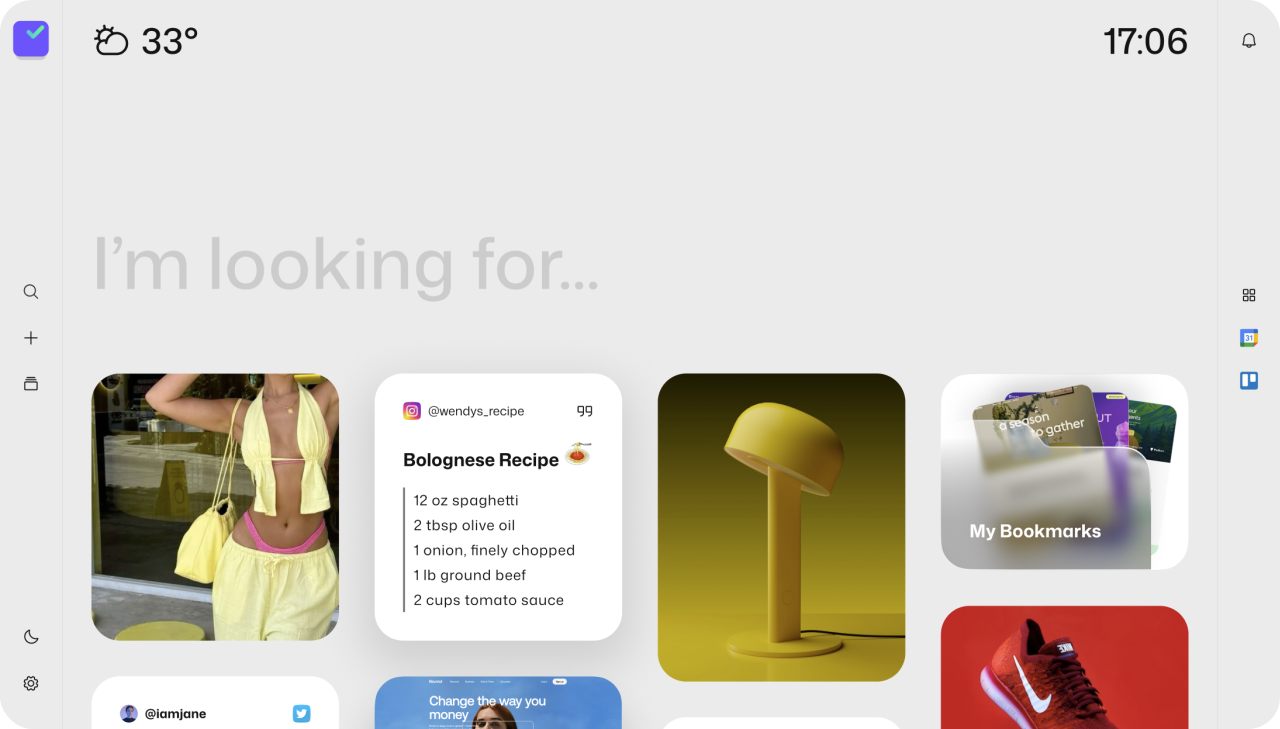
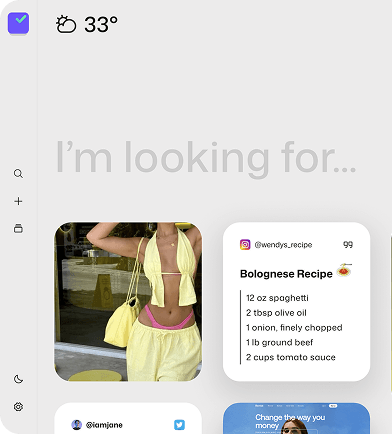
Kiub brings what you save into one place, so it's easier to find and use later.

Add to chromechrome
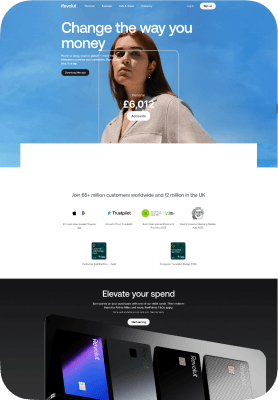
Saved website example
Icons
You already save useful things.
Icons
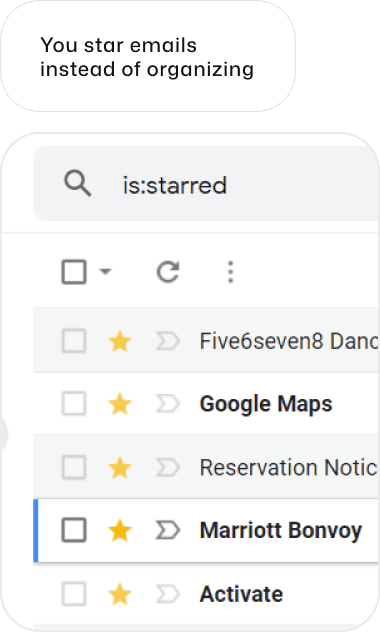
The problem is where they end up.

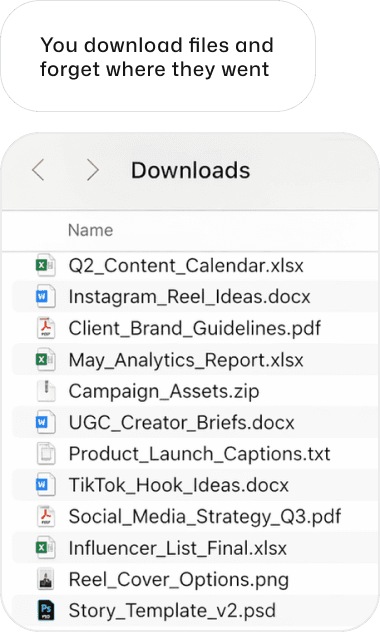
The problem is not saving. It's that useful things end up in places you won't check when you actually need them.

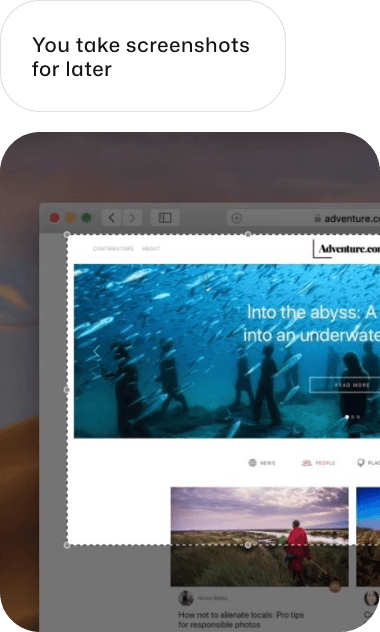
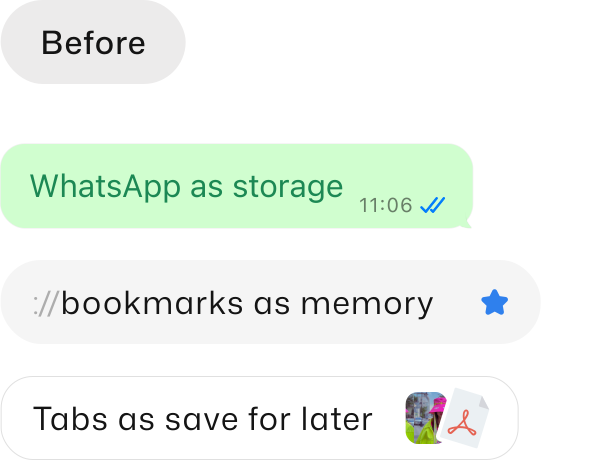
Screenshots sit
in WhatsApp.
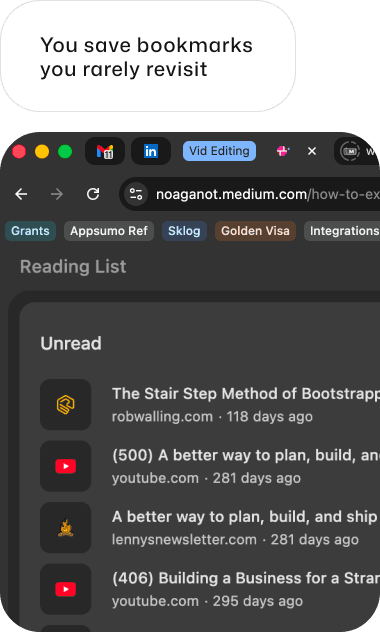
Bookmarks pile up. Files live in random chats.
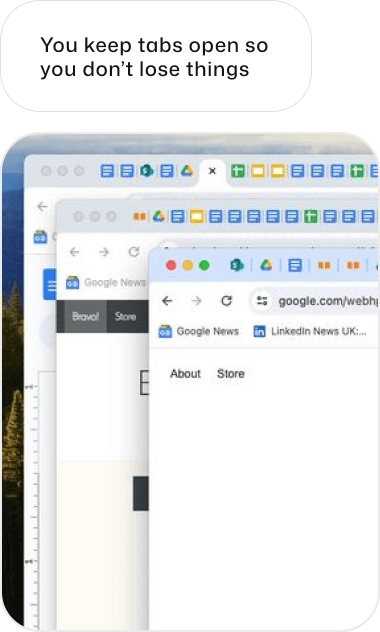
Useful links end up in many tabs

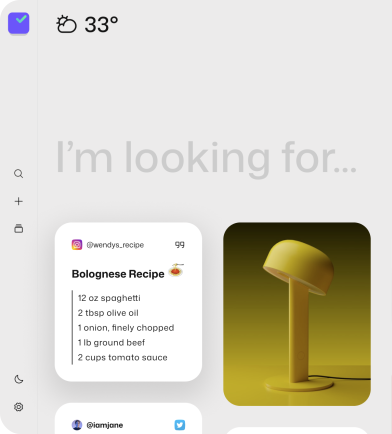
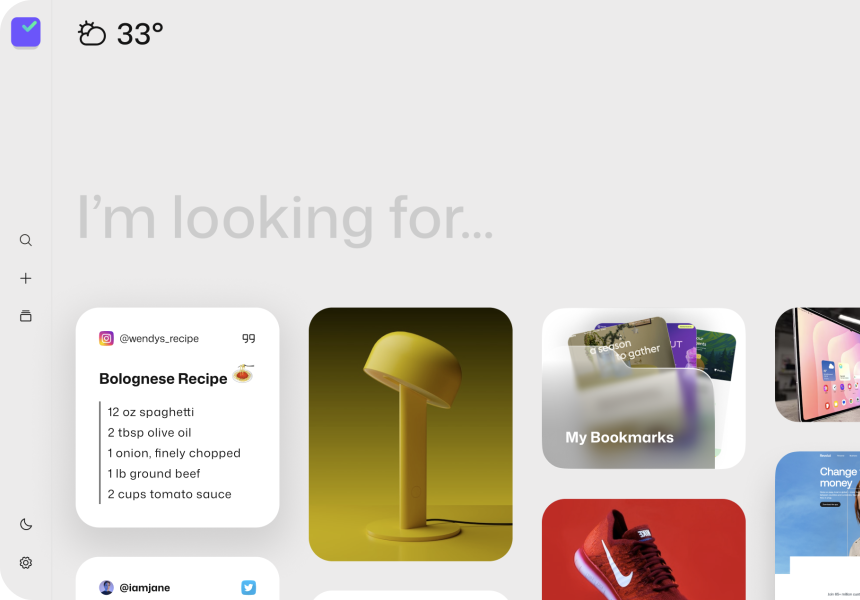
Kiub gives what you save one place to go

Save the exact part that matters. Continue browsing without losing it.
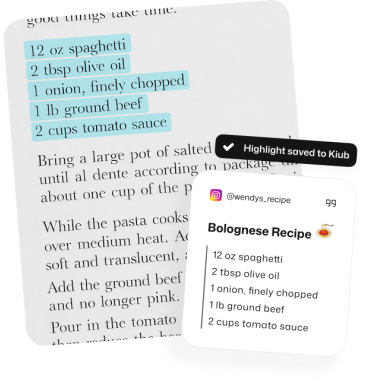
Keep everything you save easier to get back to.
If any of this feels familiar, Kiub is for you

Save what matters while you are already browsing
Highlight text
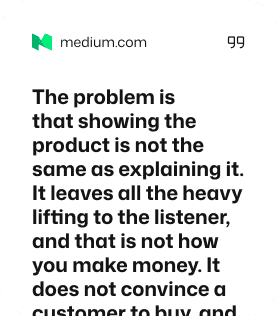
Keep the quote, note, or insight that made you stop.
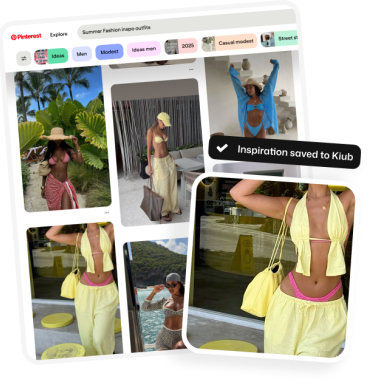
Save images
Visual references, screenshots, inspiration — save them all
Save pages
When the whole page matters, keep the page.
Pinterest inspiration

Better than tabs.

Better than screenshots.

Better than “I'll find it later.”

Your current tools help you save fast. They don’t help you get back to what you saved without friction.

Kiub is built for the moment after saving, when you want the thing you kept to still be easy to find.
Pinterest inspiration

The fastest way to find what you saved is where you are working

Kiub lives in the browser so saved brand assets, references, and pages are right there when you need them.
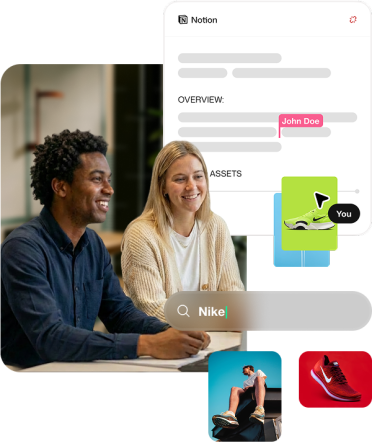
Find saved assets while you work
Pull up references in seconds
No tab hoarding or self-DMs
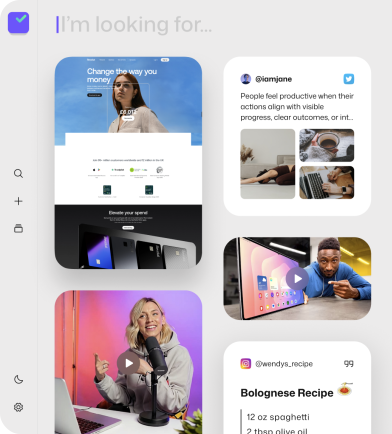
Searching for saved items with Kiub

Frequently Asked Questions

Kiub is a Memory OS, not another productivity app. It remembers what you've saved and brings it back when it matters — without you searching.
No. Kiub is designed to fit into how you already work. You keep saving things the way you do today. Kiub takes care of remembering and resurfacing them.
Yes. Your memory syncs across browsers and devices once you're signed in.
Yes. Your data is private, secure, and always under your control. Kiub doesn't sell or train on your personal data.
Stop saving useful things into places you won’t find later

Try the 60-second walkthrough to see how Kiub saves things.

For people who already save things and want a better way to keep them.

Try for FreeAdd to chromechrome
Icons